Pebble Playground
Pebble Playground is a collection of useful Pebble expressions for use in Webex Contact Centre flows.
All Pebble expressions are placed inside of a set of double curly braces, however the expression input box can take both Pebble expressions and plain text, adjacent to one another.
E.g., Assuming name is “Anthony” and company is “Cisco”
Expression: Hello {{ name }}! Thank you for calling {{ company }}.
Result: Hello Anthony! Thank you for calling Cisco.
Working with Dates and Time
This section contains time related expressions and functions, useful for processing hold times, days of week, etc.
Current Date and Time
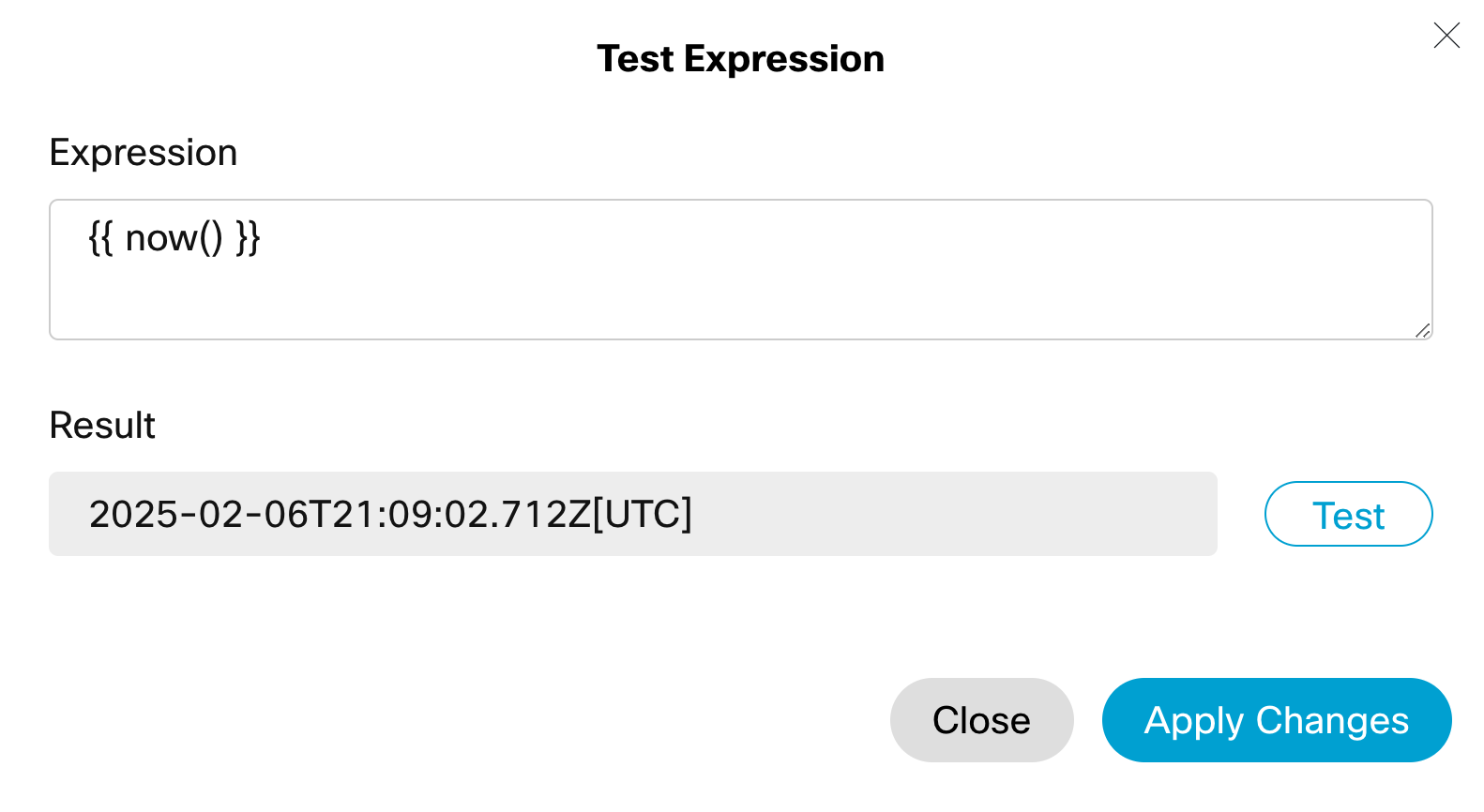
Return the current date and time with a custom WxCC function.
Expression: {{ now() }}
Result: 2025-02-06T21:09:02.712Z[UTC]
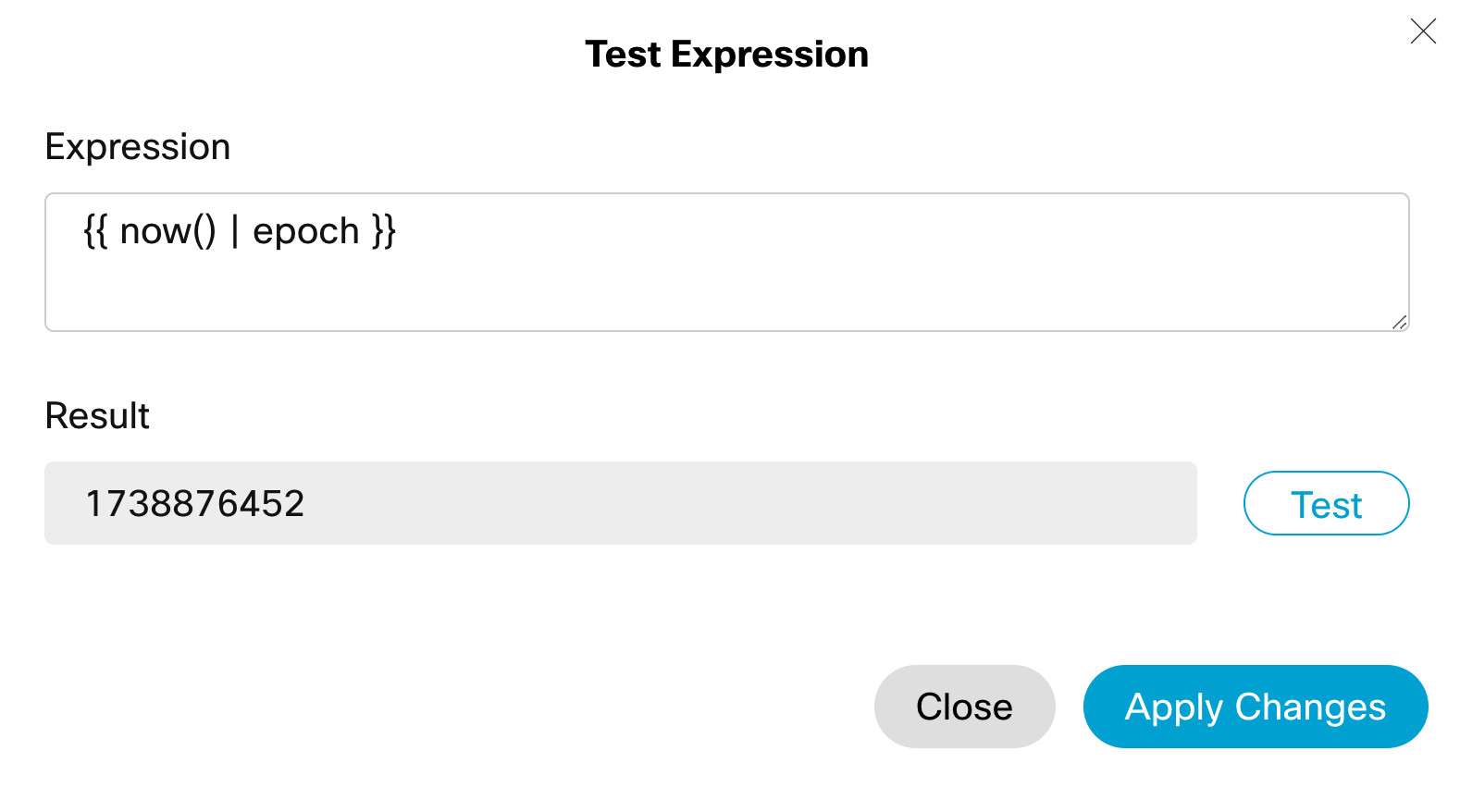
Epoch (Seconds since January 1, 2970 12:00am)
Returns the current date and time in epoch format.
Expression: {{ now() | epoch }}
Result: 1738876452
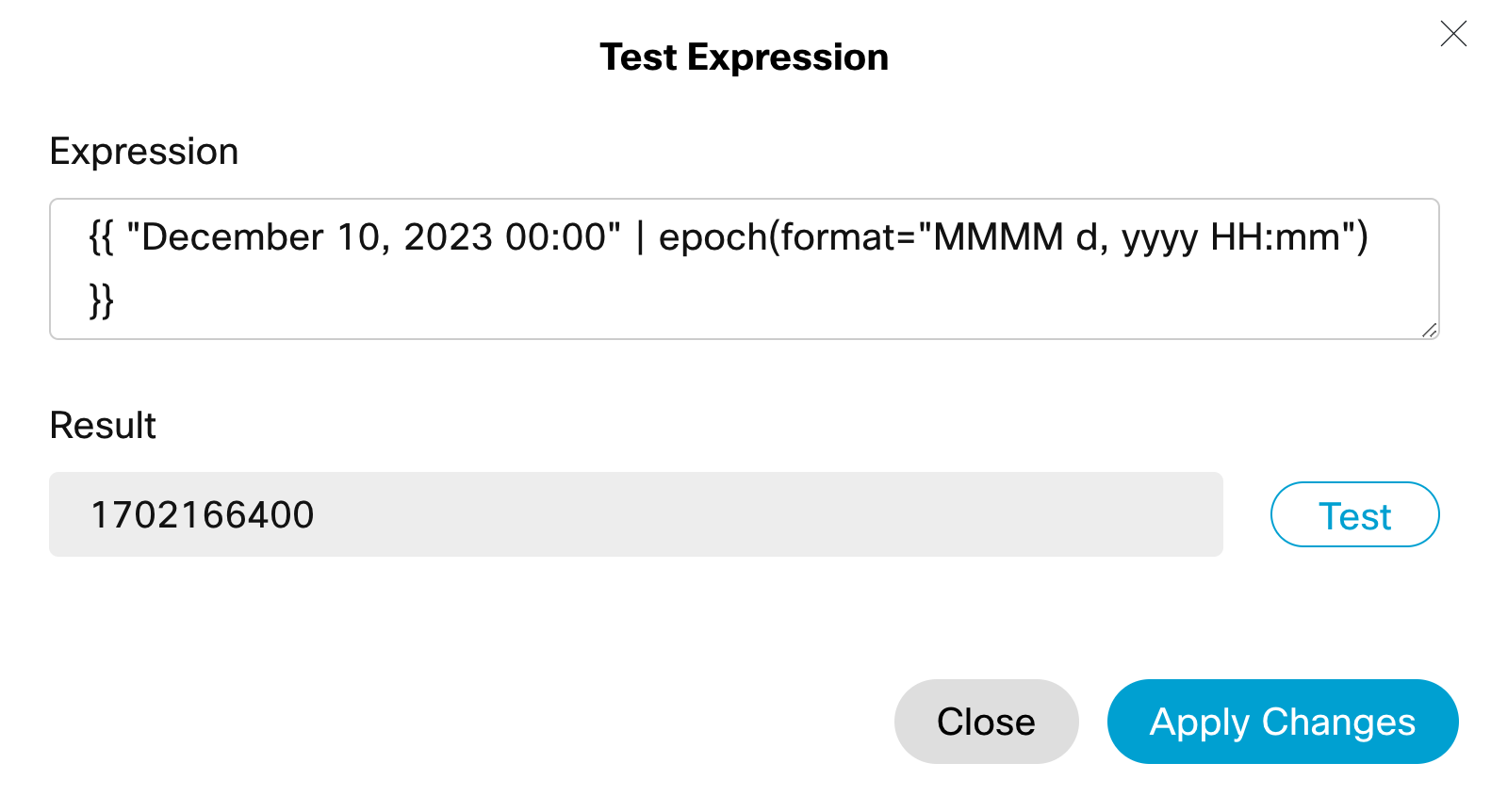
Epoch for Static Date and Time
Gives the epoch timestamp of a specific date.
Expression: {{ "December 10, 2023 00:00" | epoch(format="MMMM d, yyyy HH:mm") }}
Result: 1702166400
Day of Week
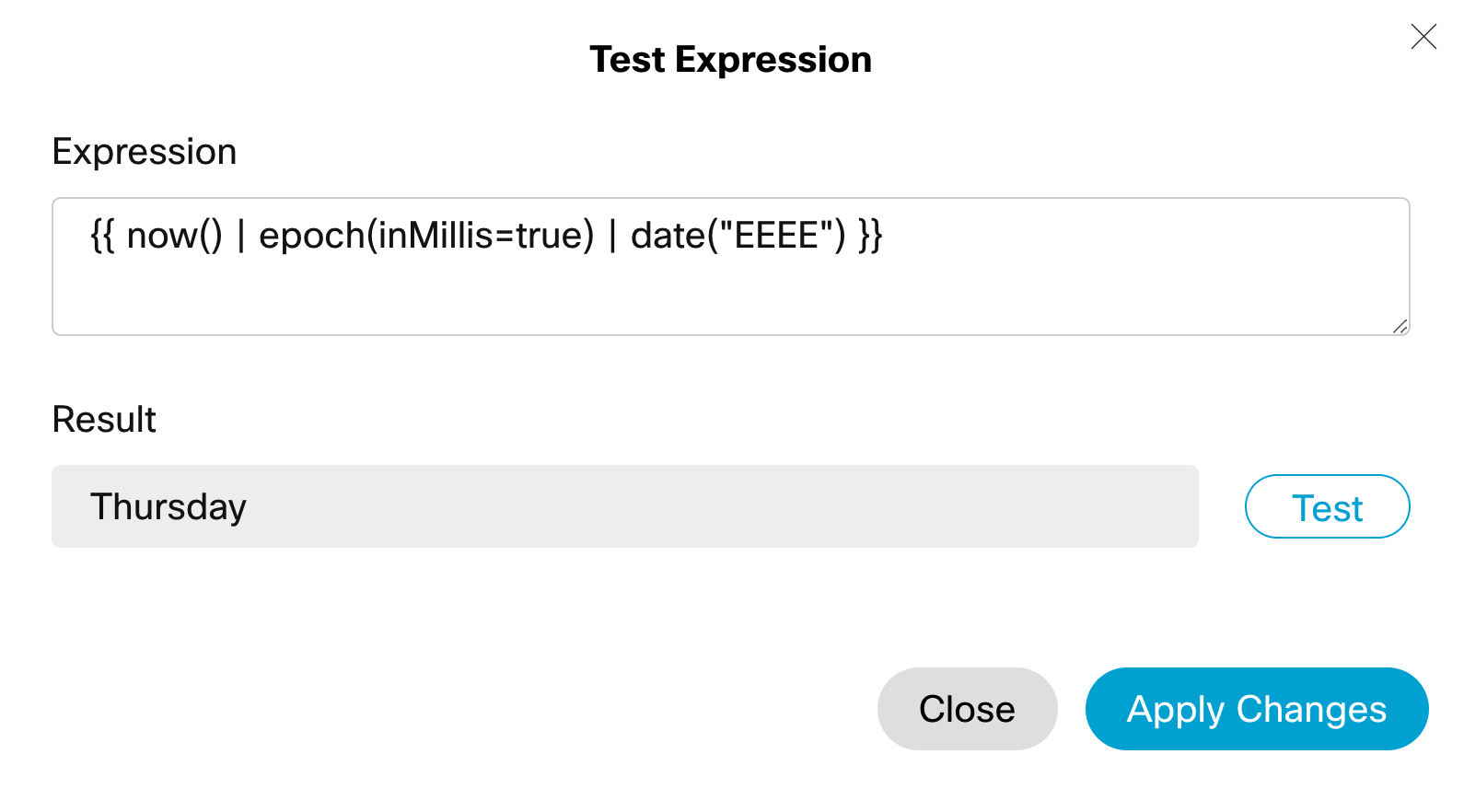
Returns the name of the current day of the week.
Expression: {{ now() | epoch(inMillis=true) | date("EEEE") }}
Result: Thursday
Tomorrow’s Day of Week
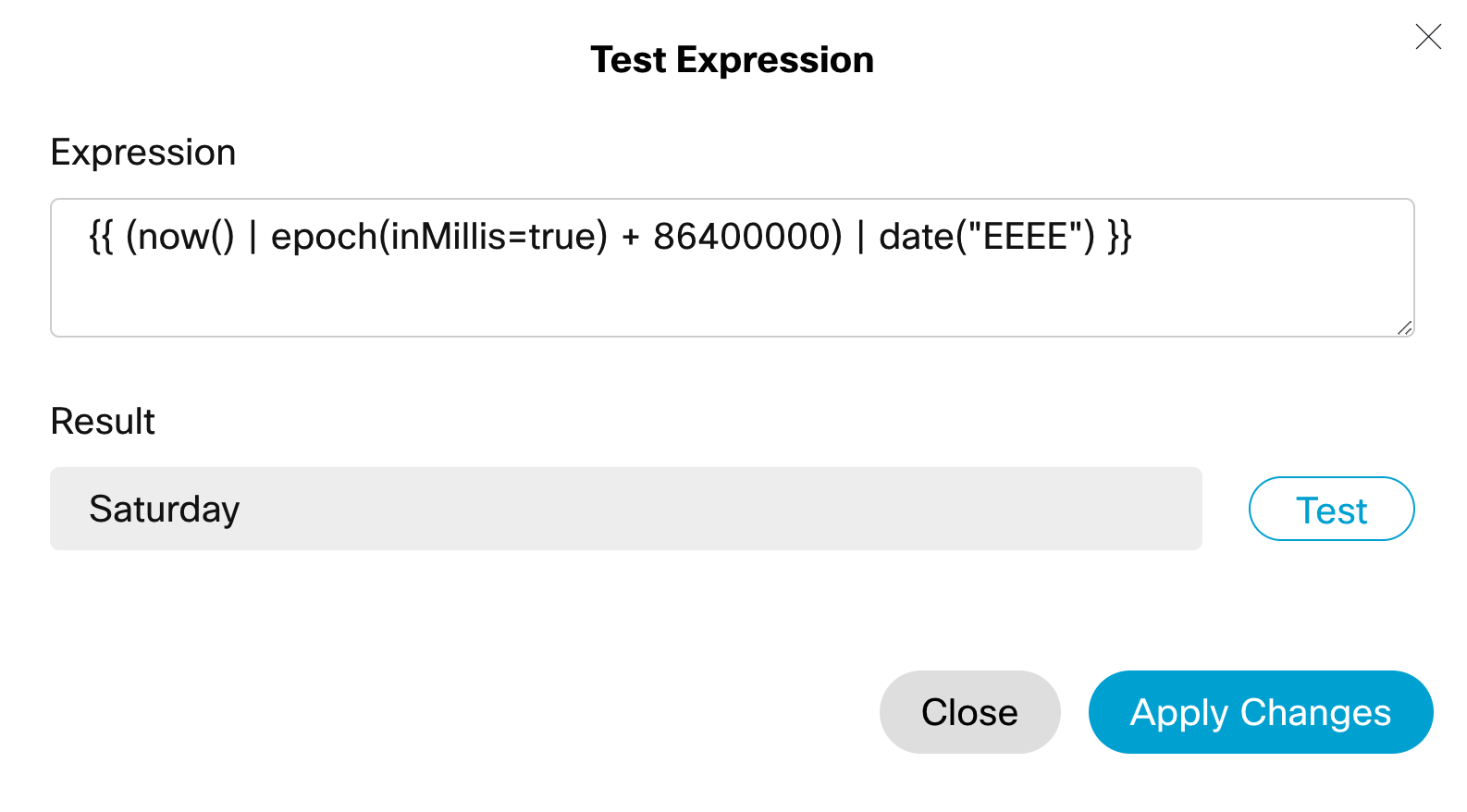
Returns the name of the day of the week for tomorrow.
Expression: {{ now() | epoch(inMillis=true) + 86400000) | date("EEEE") }}
Result: Saturday
Elapsed Days
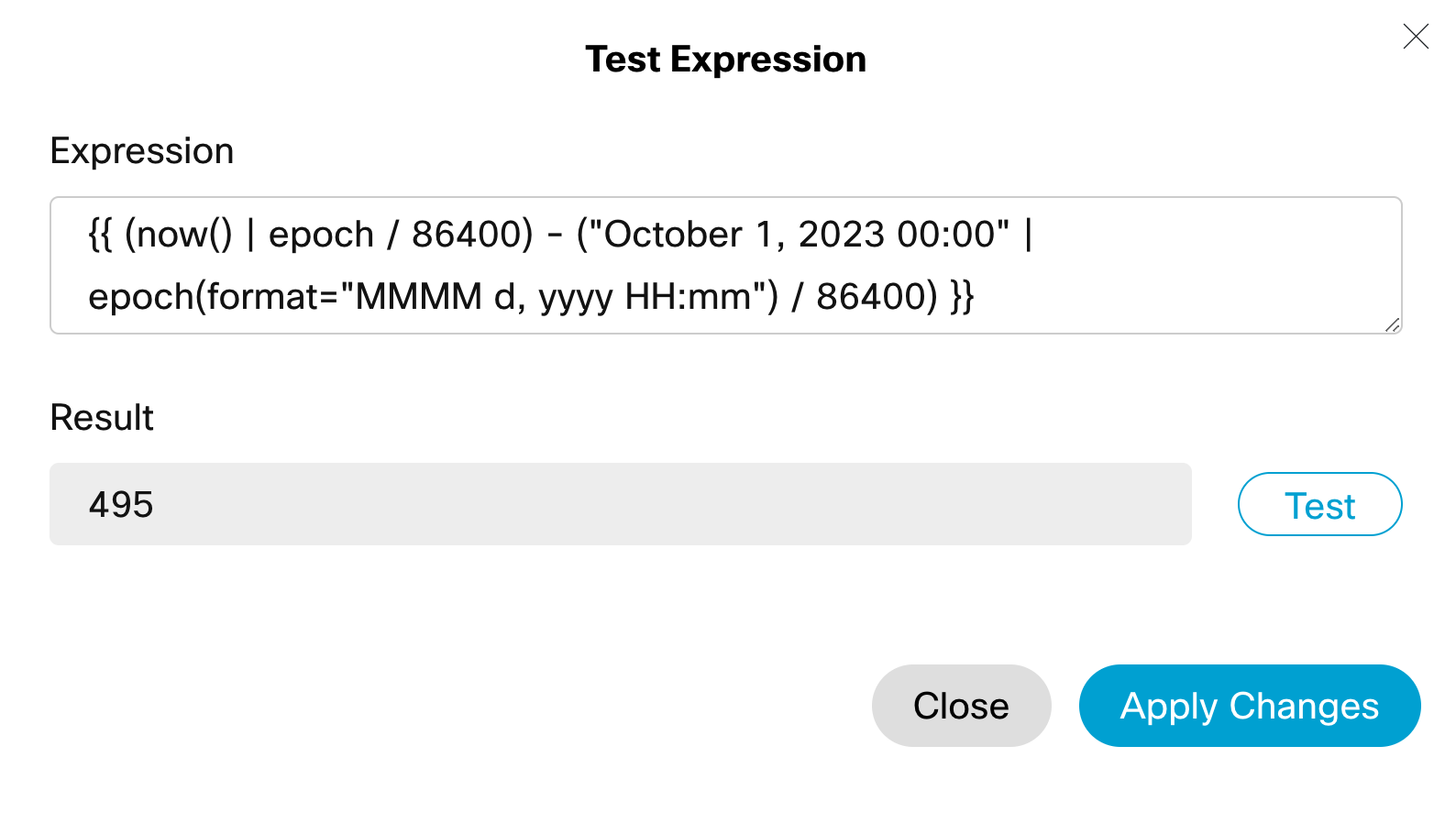
Returns the number of days between now and a given date.
Expression: {{ (now() | epoch / 86400) - ("October 1, 2023 00:00" | epoch(format="MMMM d, yyyy HH:mm") / 86400) }}
Result: 495
Elapsed Milliseconds
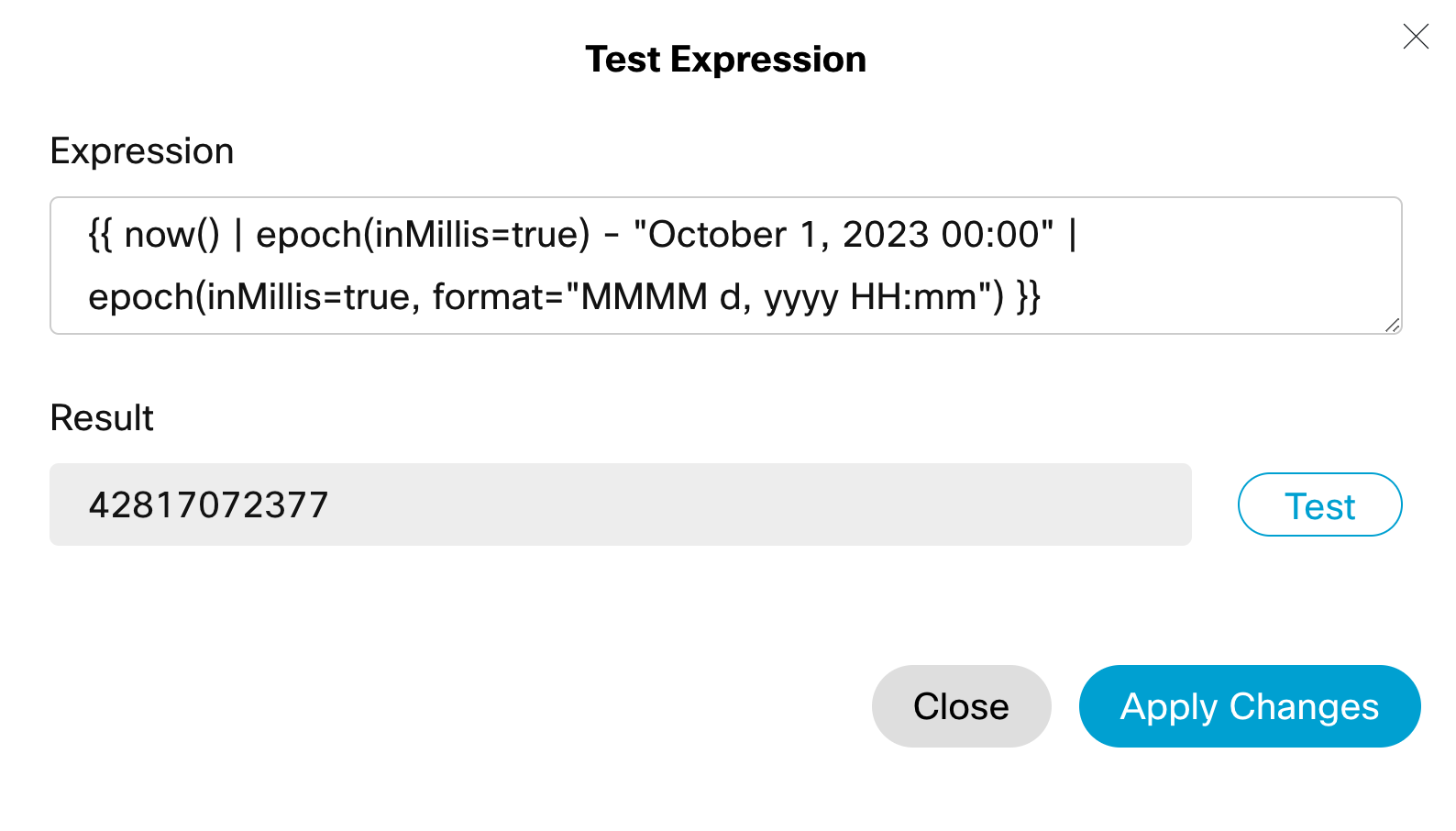
Returns the number of Ms between now and a given date.
Expression: {{ now() | epoch(inMillis=true) - "October 1, 2023 00:00" | epoch(inMillis=true, format="MMMM d, yyyy HH:mm") }}
Result: 42817072377
Pseudo-Random Numbers
Option 1
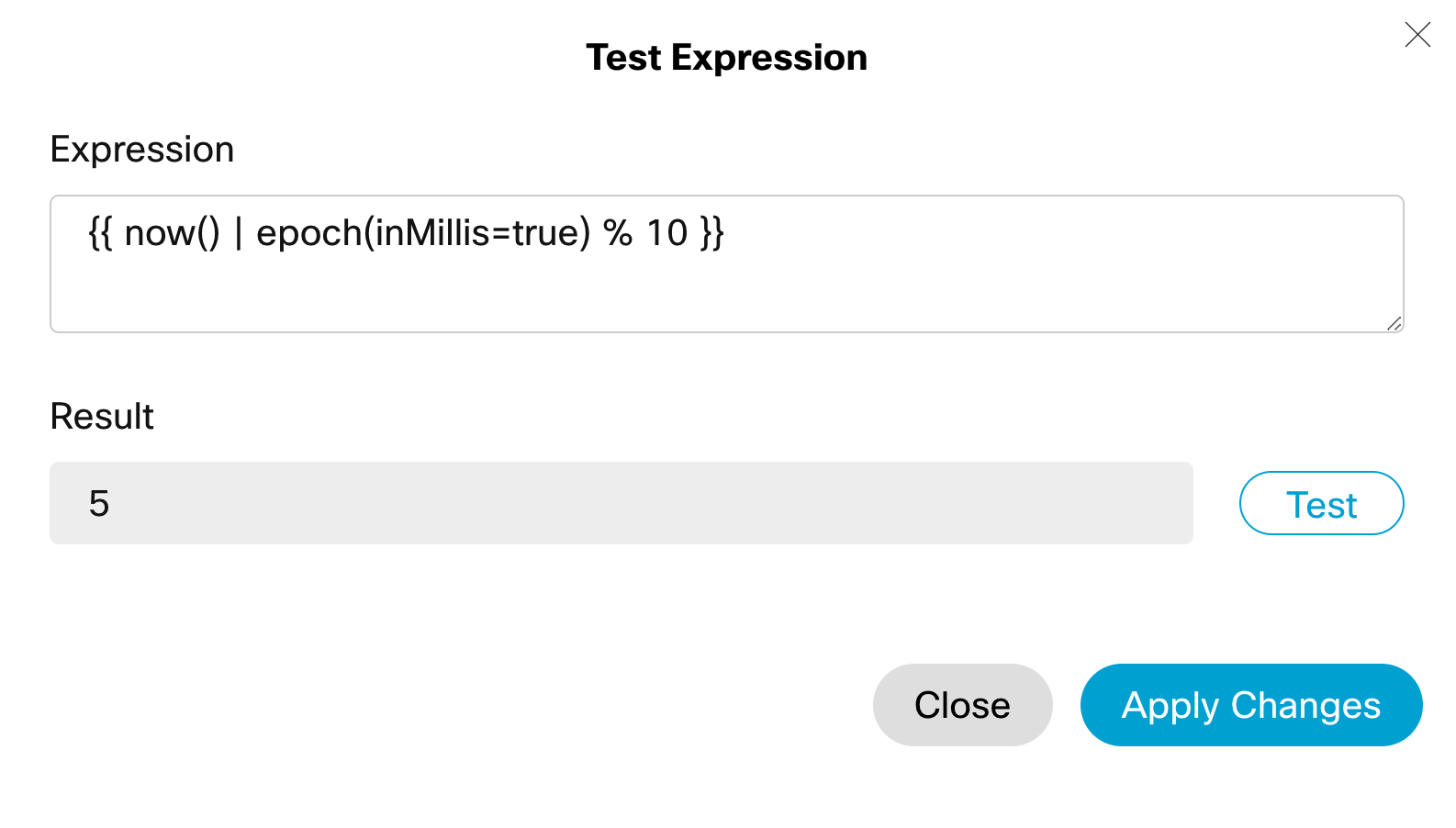
Returns a single digit number that seems random. Behind the scenes, we are using the modulus operator to divide our epoch in ms by 10, and return the remainder. You can use 100 for a 2 digit number, 1000 for a 3 digit number, and so on.
Expression: {{ now() | epoch(inMillis=true) % 10 }}
Result: 5
Option 2
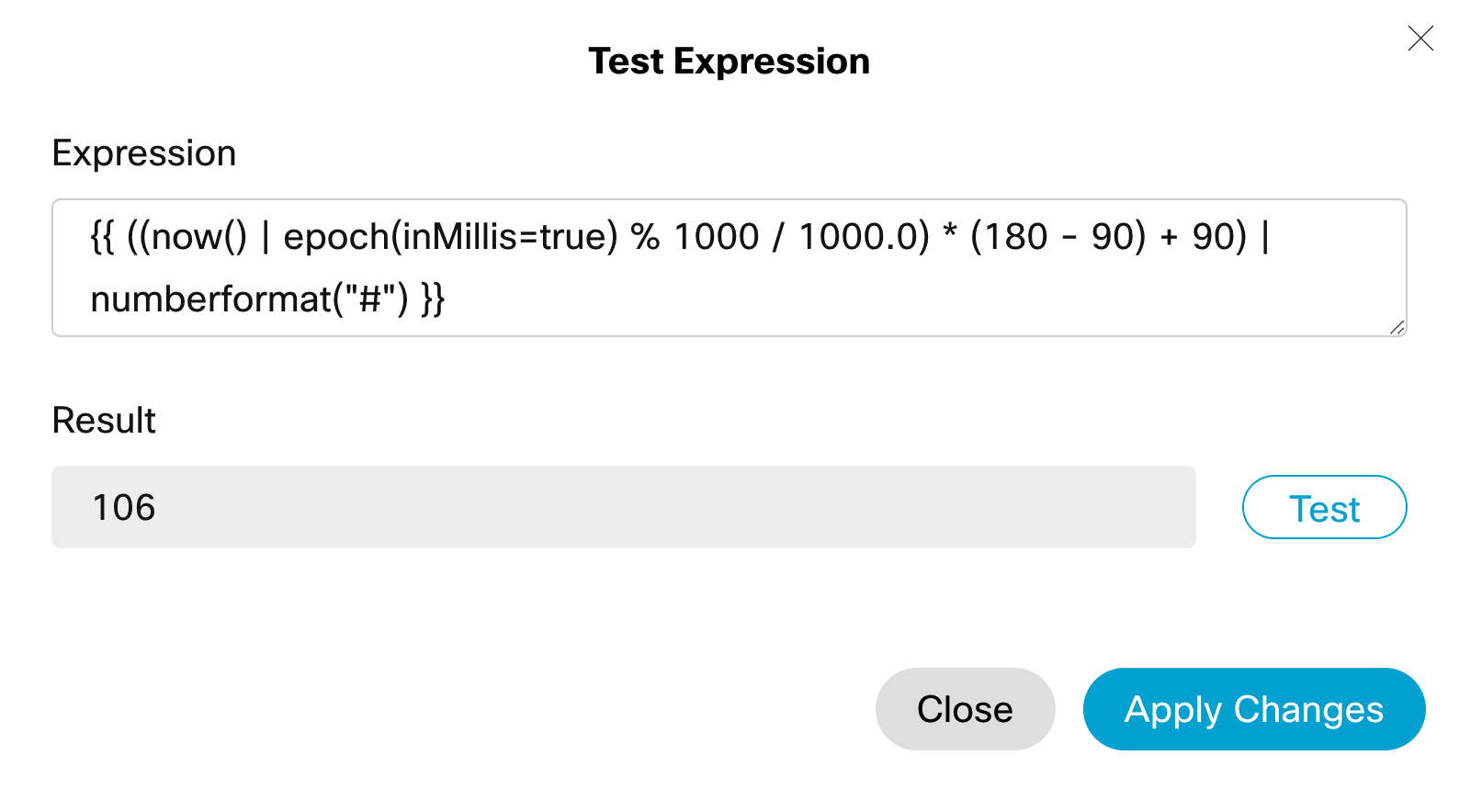
This second example returns a random number between a lower bound and an upper bound: 90 and 180, in this example. Useful for “Randomising” the start offset of music on hold, so you don’t play the same 10 second clip of music repeatedly, Burning the same 10 seconds of Cisco Opus into a callers mind, driving them insane in the process.
Expression: {{ ((now() | epoch(inMillis=true) % 1000 / 1000.0) * (180 - 90) + 90) | numberformat("#") }}
Result: 106
Queue Time Threshold
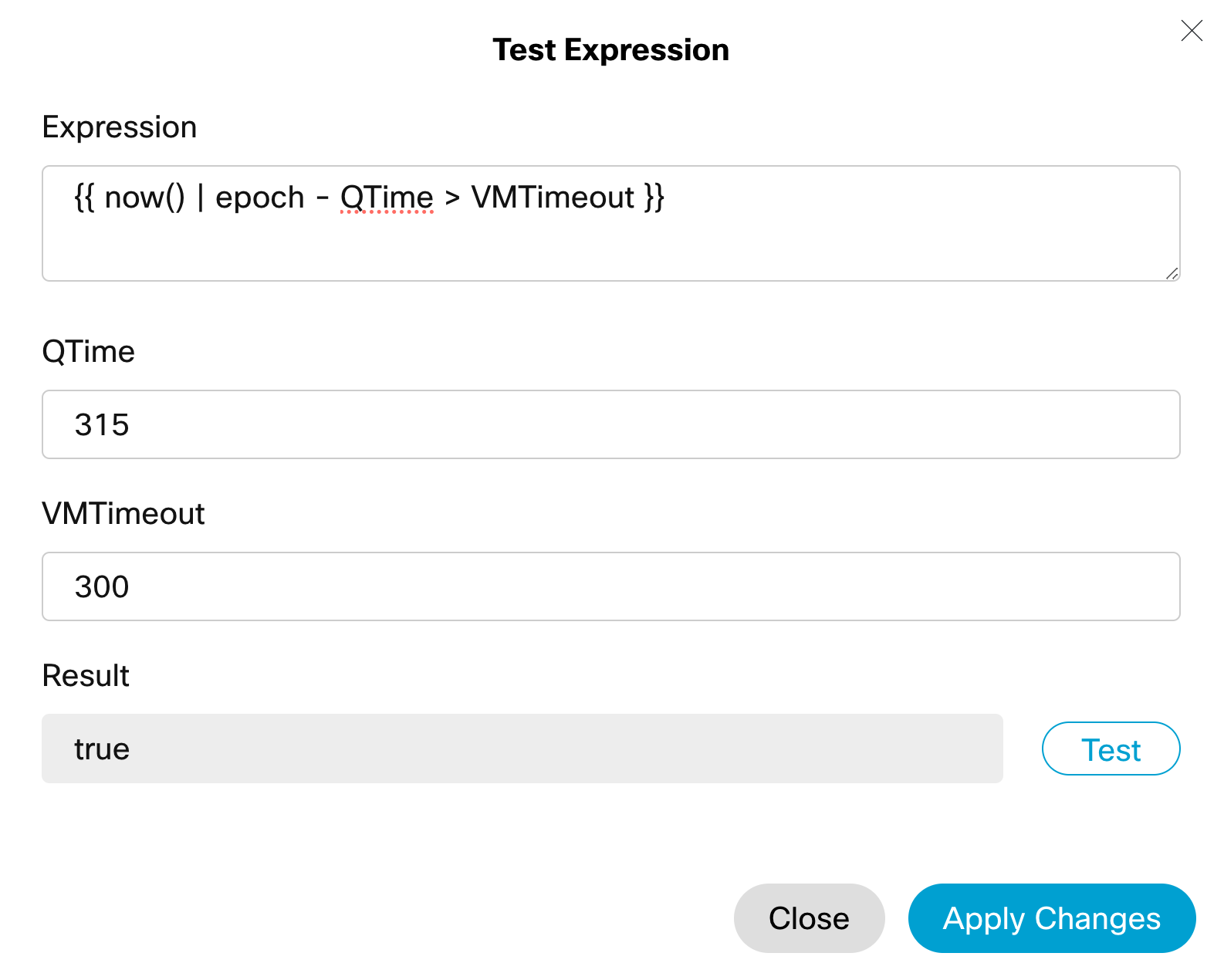
QTime should be a variable set right after the queue contact node in the flow using a simple now() Epoch. VMTimeout is an integer that can be loaded from a global variable. The above statement will allow you to evaluate true or false if a person has been queueing longer than the specified VM Timeout.
Expression: {{ now() | epoch - QTime > VMTimeout }}
Result: true
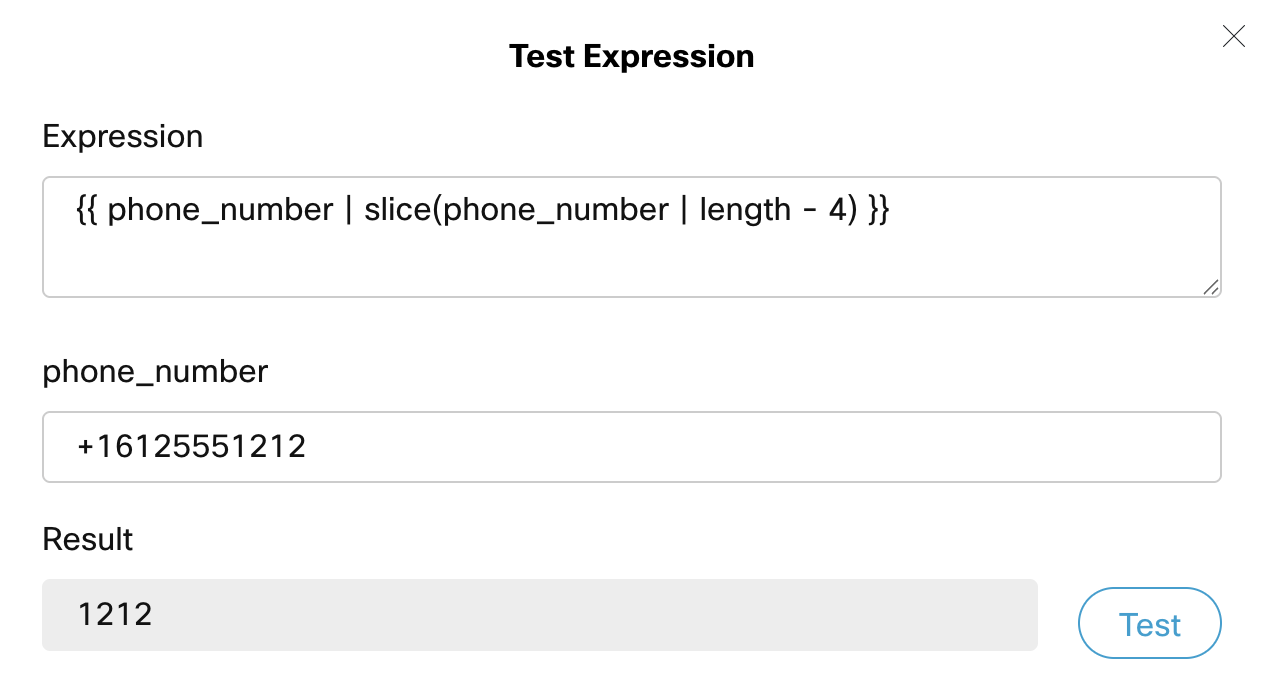
Last X Digits
This is a useful expression to get the last few digits of a number. “Is your correct number the one ending in 1212?”. The below expression assumes the number is stored in a variable called phone_number, and you want the last four digits.
Expression: {{ phone_number | slice(phone_number | length - 4) }}
Result: 1212