API request in the call flow
Task 1. Create Data to query via API
Note. This step has to be done in order to create dummy data.
- Open portal mockapi.io
- Get authenticated
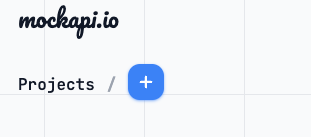
- Create new project
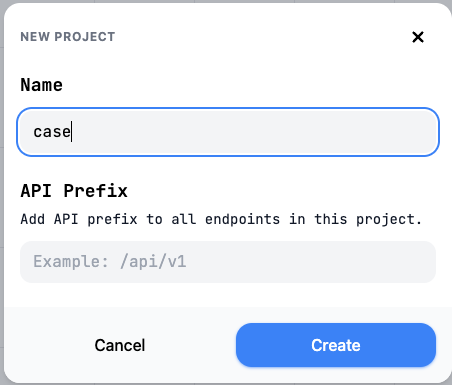
- Specify name and clice Create.
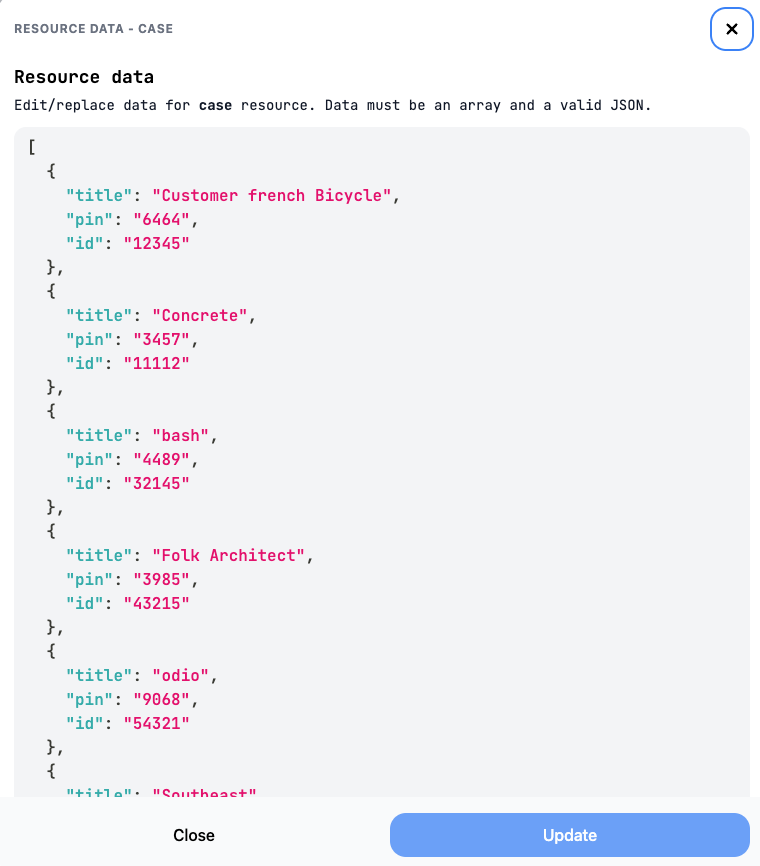
- Click New resource to create new data and provide name of resource and data you would like to have. In our case we will have the following data:
- id
- title -> random.words
- pin -> finance.pin
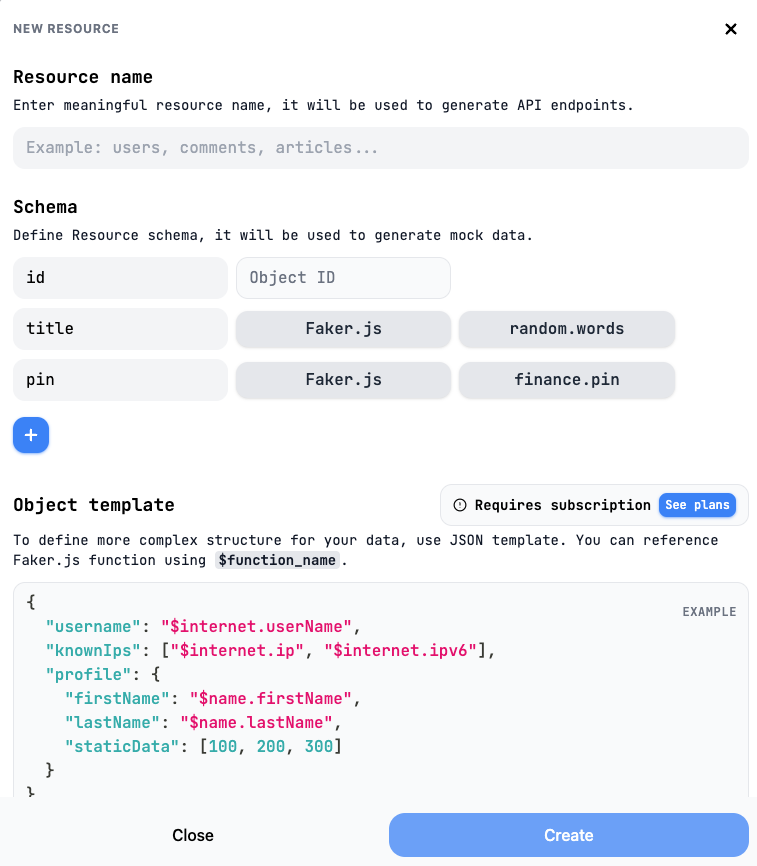
- Click Create
- Generate 30 random cases as on the screenshot and edit them.
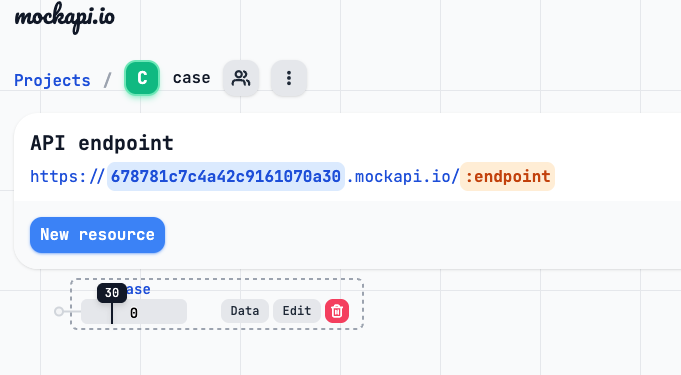
- Click Data and edit it.
- edit id to be with 5 digit
- specify pin easily to remember, as it is for the demo
- Click Update
- Test it with Postman.
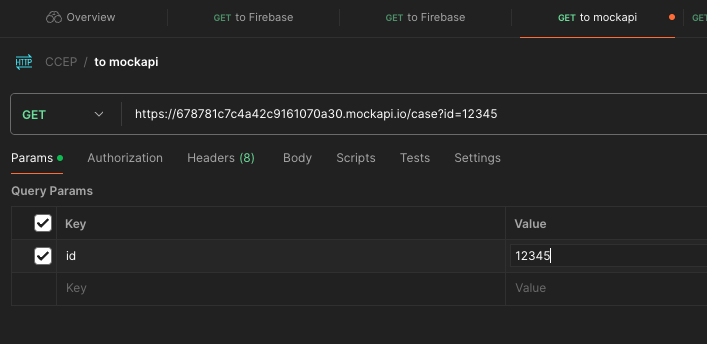
Task 2. Add to Flow pin check and your case title
Add the following algorithm to the flow to check details of your case.
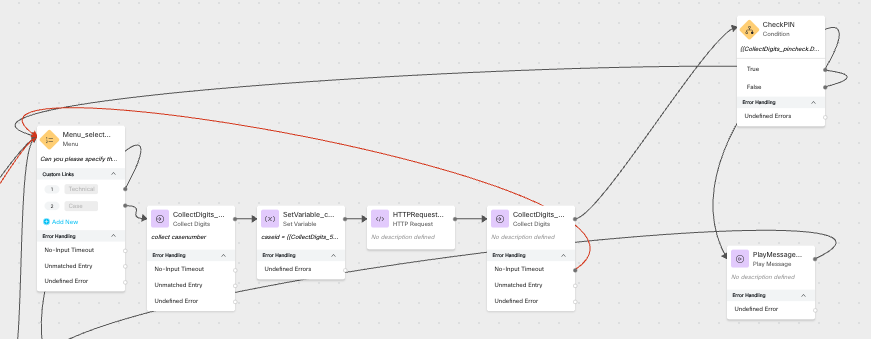
- Menu.
- CED Collect caseid.
- Set Global Variable caseid (for Reporting)
- Send “HTTP Request”.
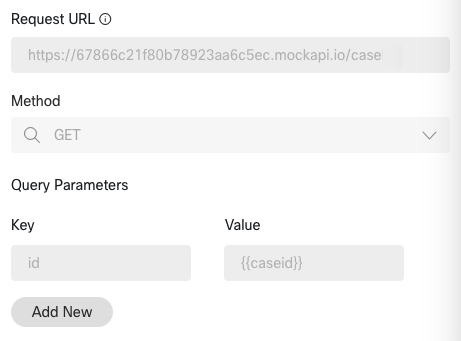
- Specify path to variables. Path can be checked with https://jsonpath.com/
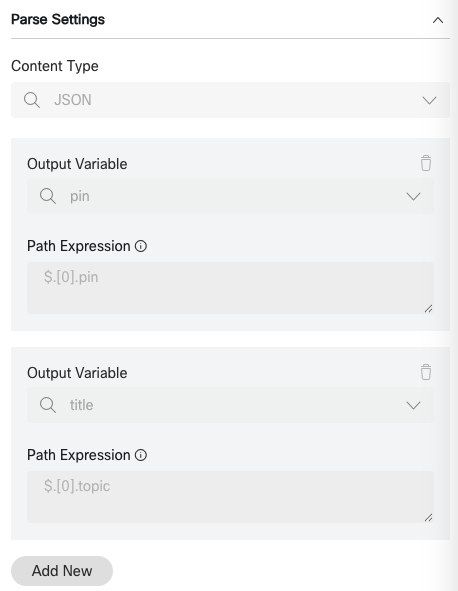
- CED Collect PIN with TTS “If you are calling for the case , please enter PIN”
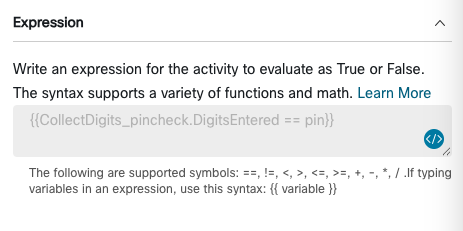
- Check Condition Check PIN with experssion like on the screenshot ` `.
 .
. - Play message with good or bad authentication.